
Connecting to Systems Using the SSH Selector in JumpServer
In addition to using the web interface and JumpServer Client, administrators and contractors can connect to target systems directly from an SSH terminal by connecting to port 2222 of the JumpServer instance using the same user account they use for the web interface.
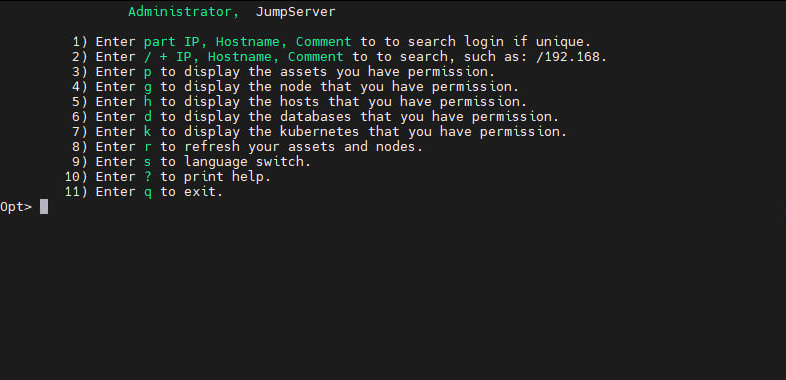
JumpServer will display a command menu that can be used to connect to:
-
target systems via SSH
-
databases using the command-line interface
-
Kubernetes

This method is ideal for users who prefer working from the console, as well as for connections from workstations without a graphical interface.